
Getting started Intro
Sign in
Twenty seconds: where you sign in, what you type, and where you land.
All the points of the film 3 steps · 0:21
What you will learn
- Where the sign-in page lives
- What to do if you forgot your password
Step by step
-
1
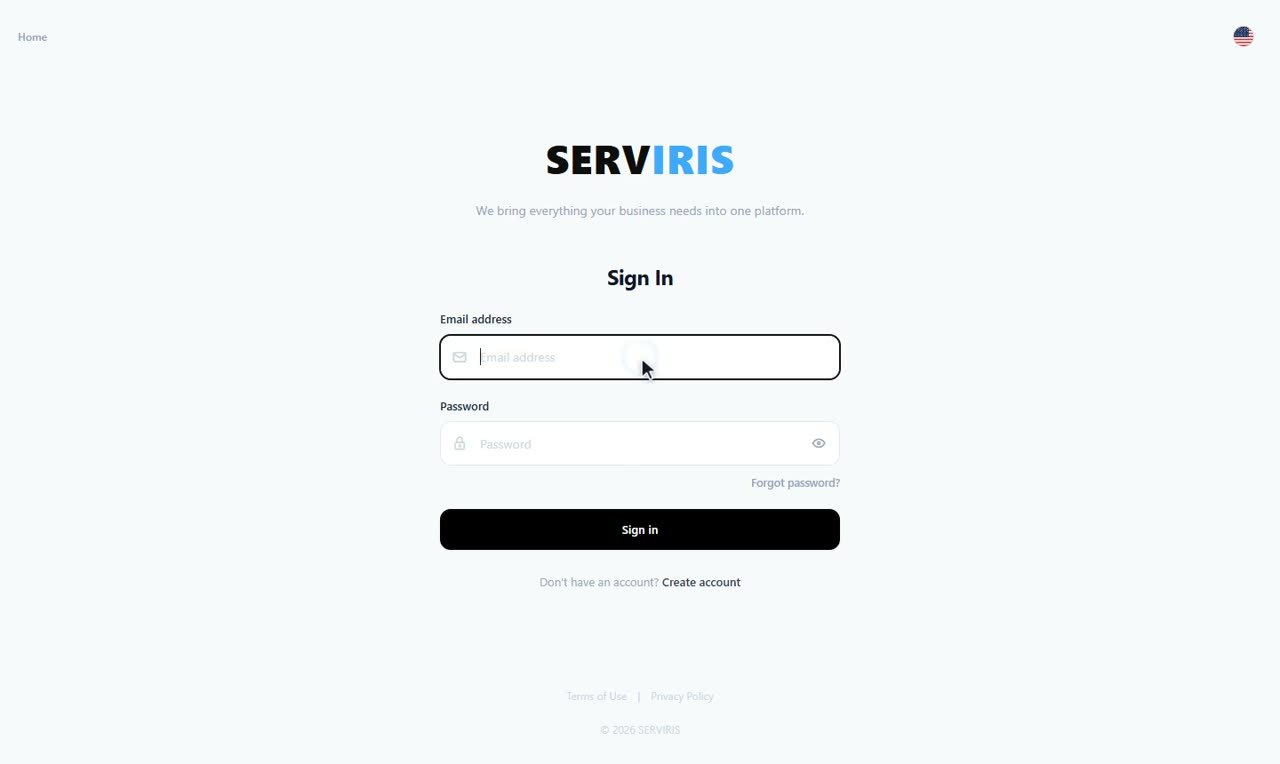
Open the sign-in page
app.serviris.com — or the “Sign in” button on the home page.
-
2
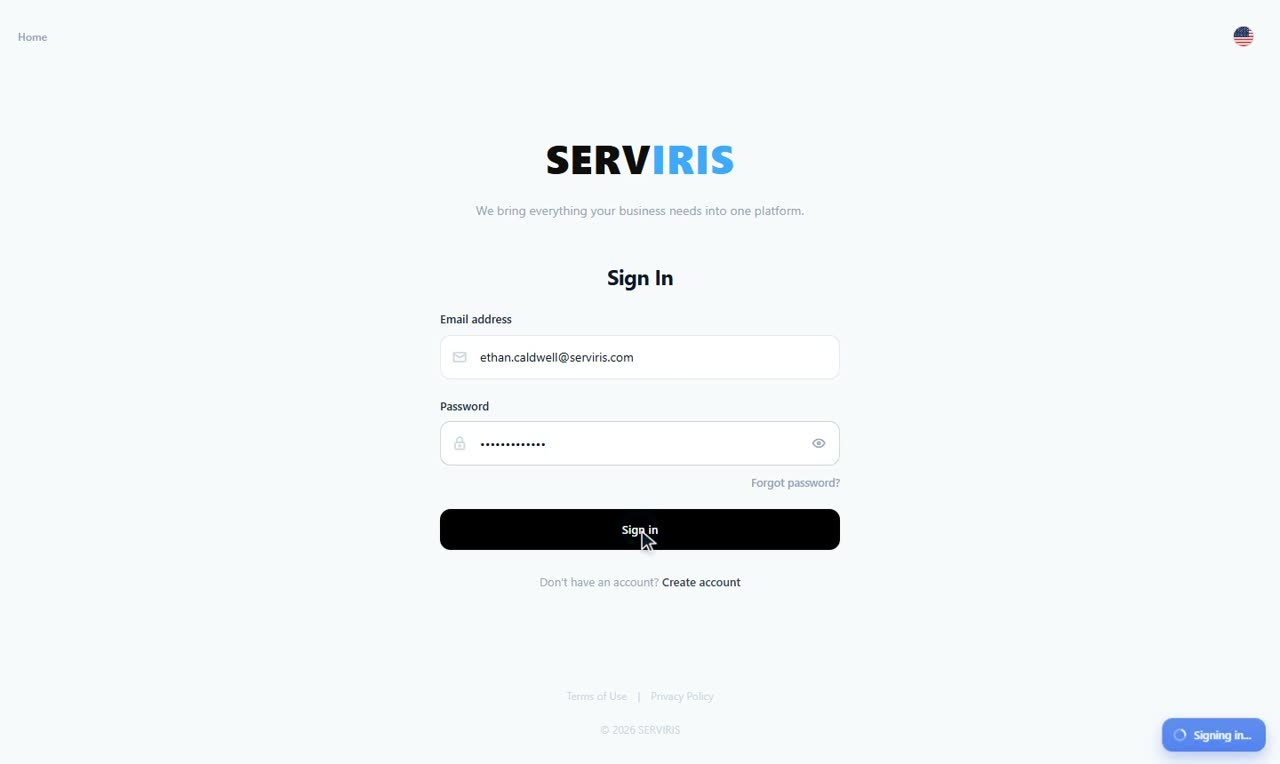
Email and password
Type the email you signed up with and your password. “Forgot password?” underneath sends a reset link to your inbox.
-
3
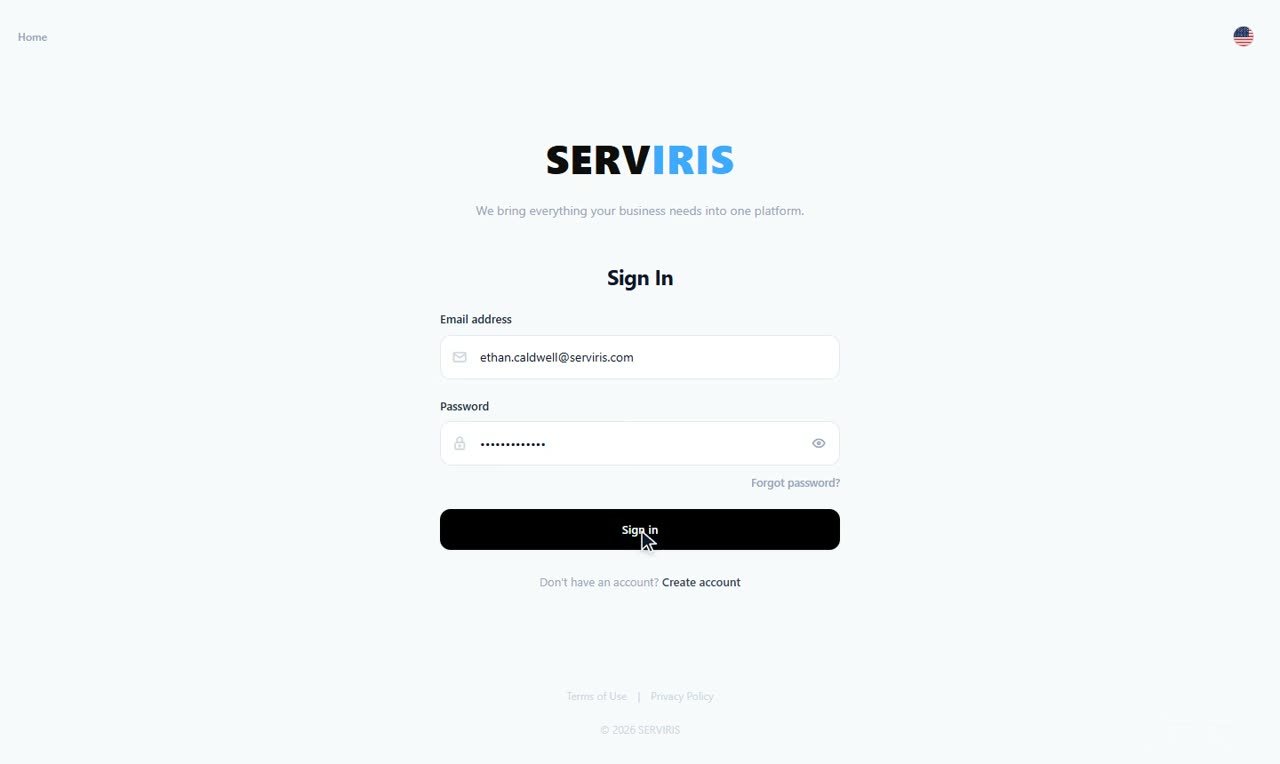
Enter
Press “Sign in” — you land on the Control Panel, with your venues and your workplaces in front of you.
Good to know
The session persists between visits on the same device — no need to sign in again every day.
Sign in