
Getting started
Account, domain and your first venue — from zero to a working menu.
Every lesson is a real screen recording on a working venue, with a visible pointer on each click. Beside the video: a step-by-step breakdown, a still for every move, and timestamps you can tap to jump exactly there.
Open to everyone. We ask for no sign-up, charge nothing and keep nothing back. Every lesson is here for whoever needs it, from the owner to the newest member of the team.
The QR menu with everything around it: catalogue, spaces, table requests, orders, staff, screens.
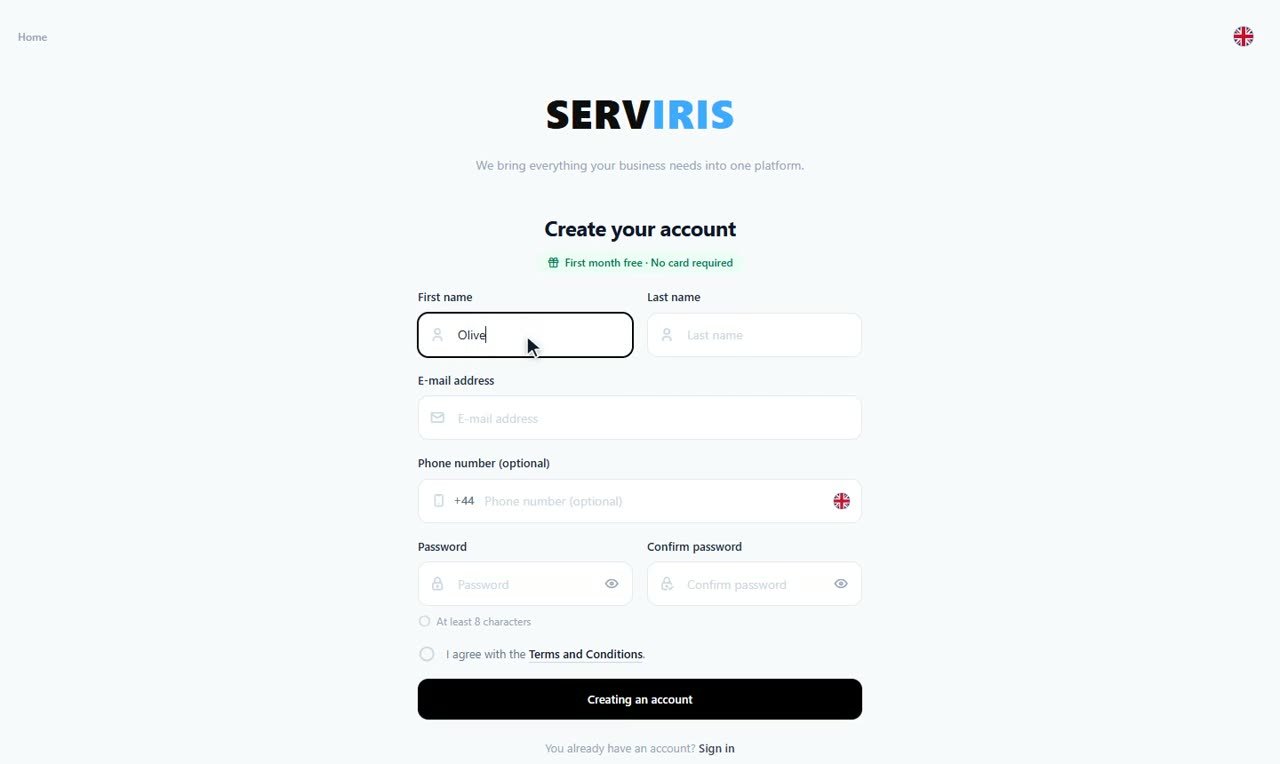 Getting started
0:44
Create your account
Your SERVIRIS account is free, and it is one account for everything: your venues, the places that invite you to work, the ordering terminal. Here we…
Getting started
0:44
Create your account
Your SERVIRIS account is free, and it is one account for everything: your venues, the places that invite you to work, the ordering terminal. Here we…
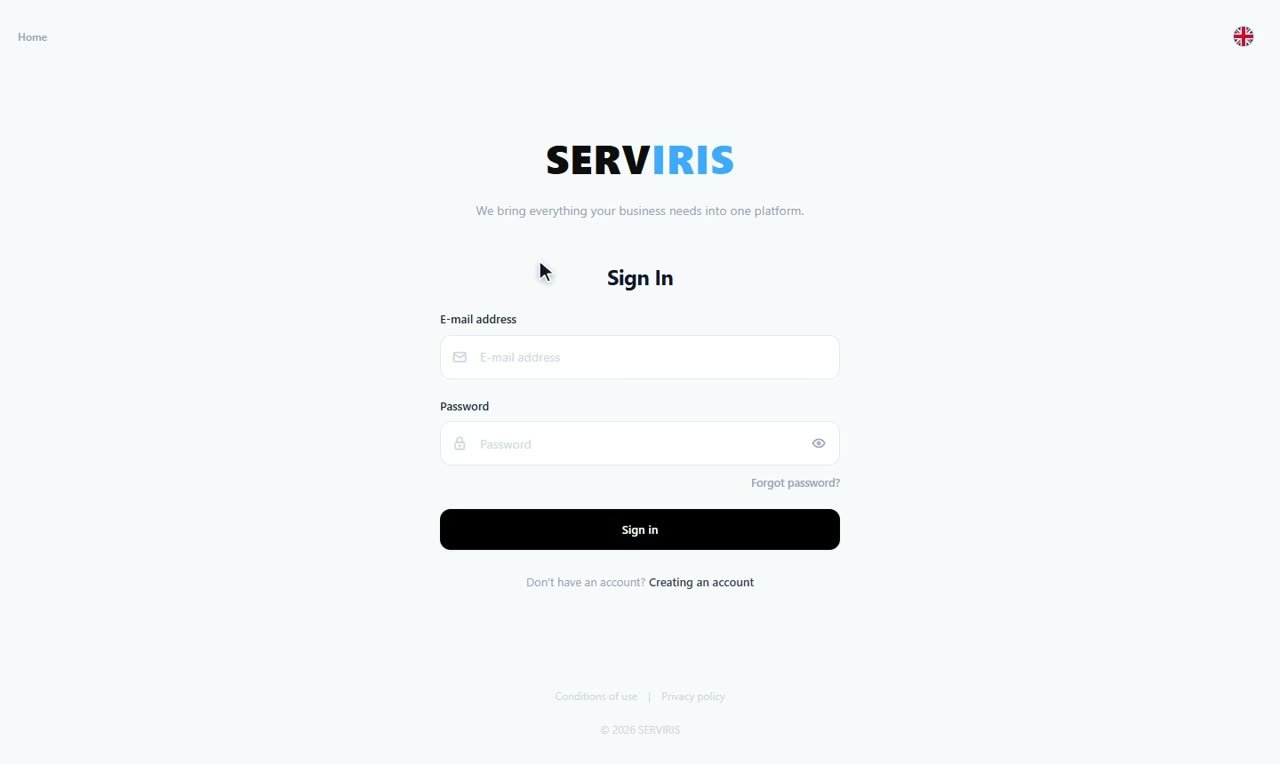 Getting started
0:21
Sign in
Twenty seconds: where you sign in, what you type, and where you land.
Getting started
0:21
Sign in
Twenty seconds: where you sign in, what you type, and where you land.
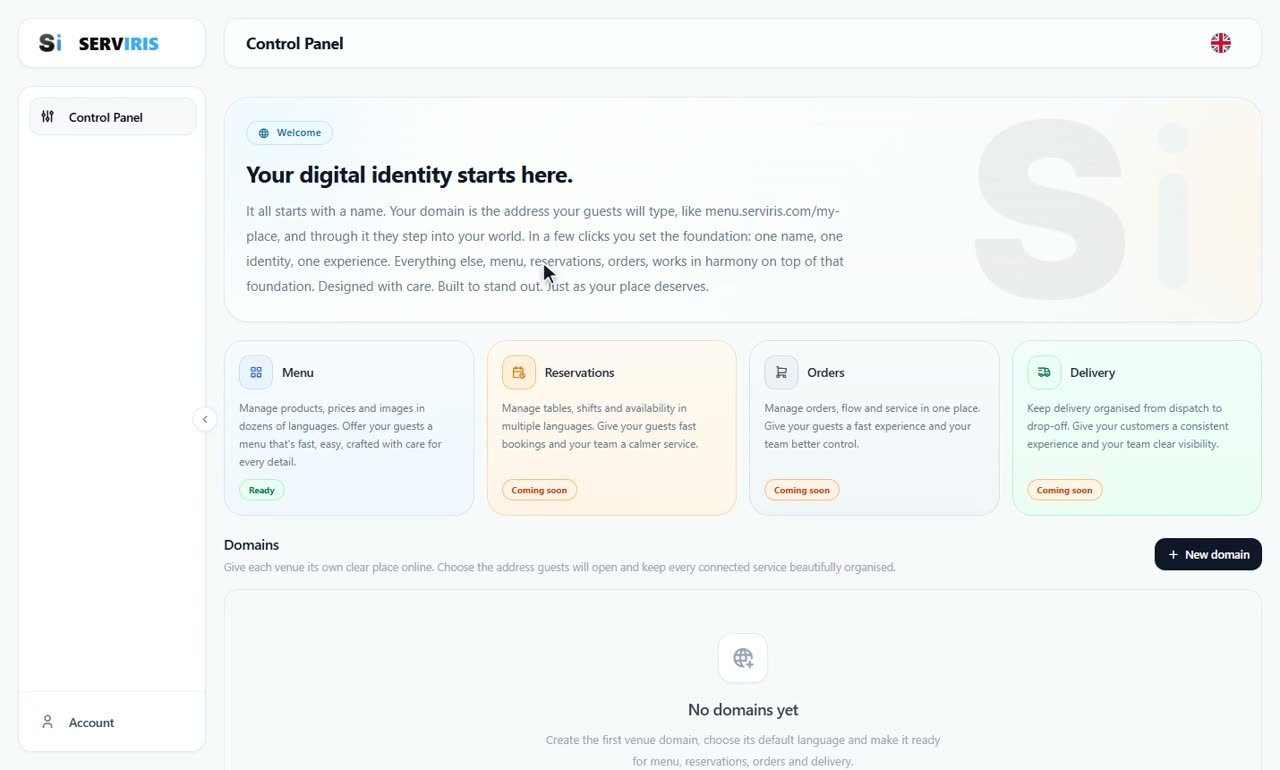 Getting started
0:18
Your first domain
The domain is the address your customers type — menu.serviris.com/your-place. One name, one click, and it is born.
Getting started
0:18
Your first domain
The domain is the address your customers type — menu.serviris.com/your-place. One name, one click, and it is born.
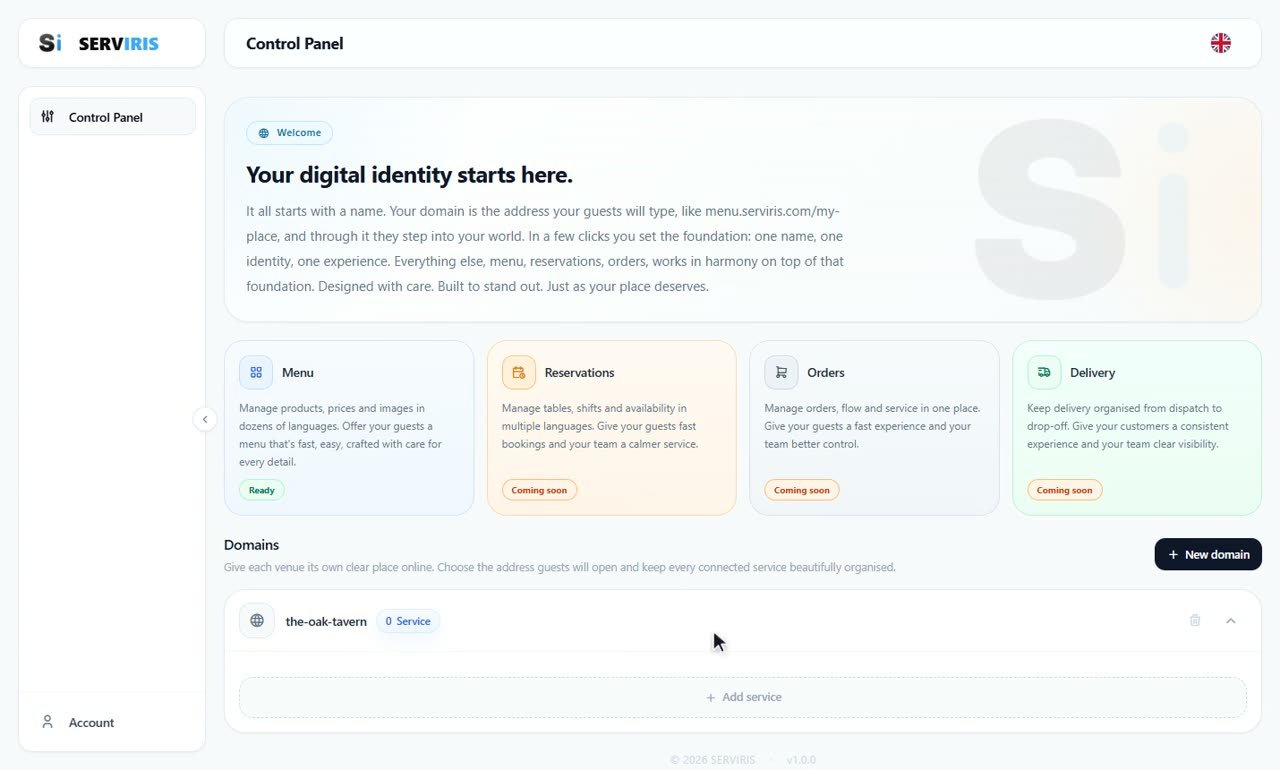 Getting started
0:33
Create your venue
On top of the domain you set up the digital menu service — the venue you will be managing in every lesson that follows.
Getting started
0:33
Create your venue
On top of the domain you set up the digital menu service — the venue you will be managing in every lesson that follows.
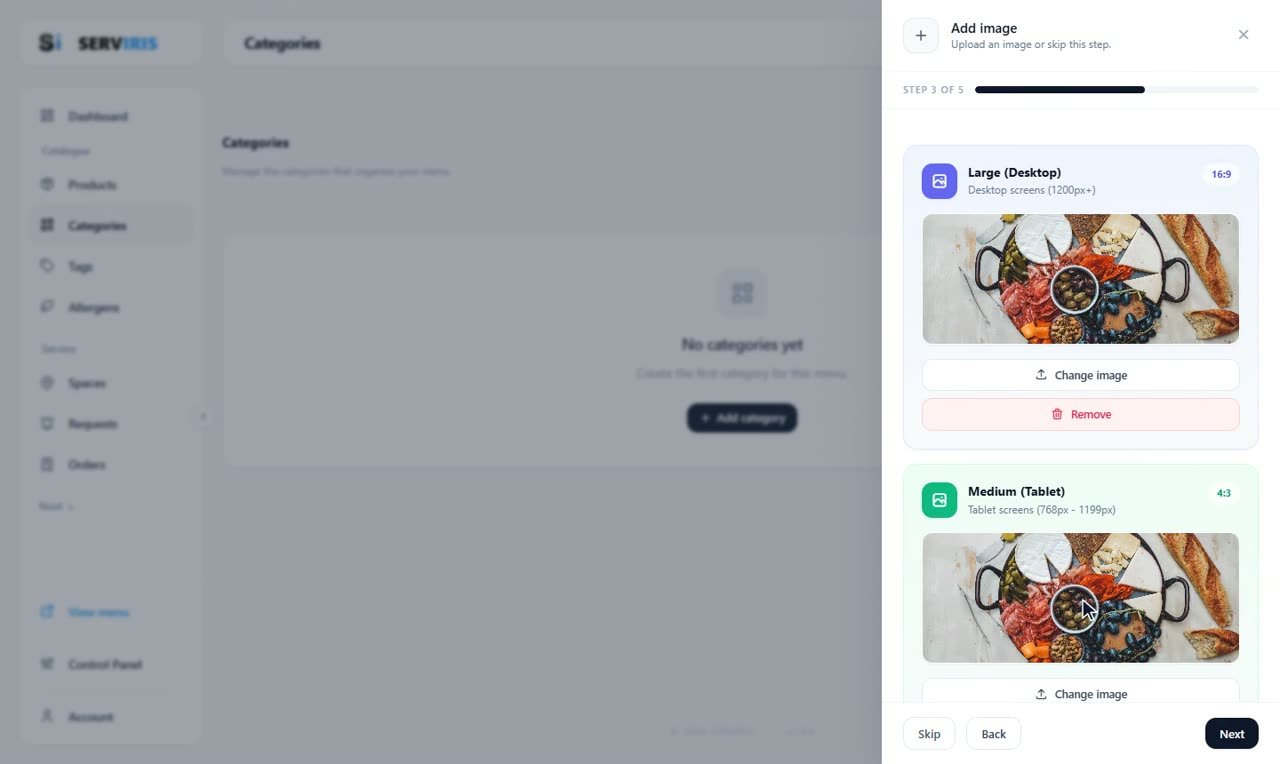 Catalogue
5:08
Categories and subcategories
Categories are the skeleton of the menu: Starters, Mains, Drinks. Here we build them with colours per device and a background image, and we show how…
Catalogue
5:08
Categories and subcategories
Categories are the skeleton of the menu: Starters, Mains, Drinks. Here we build them with colours per device and a background image, and we show how…
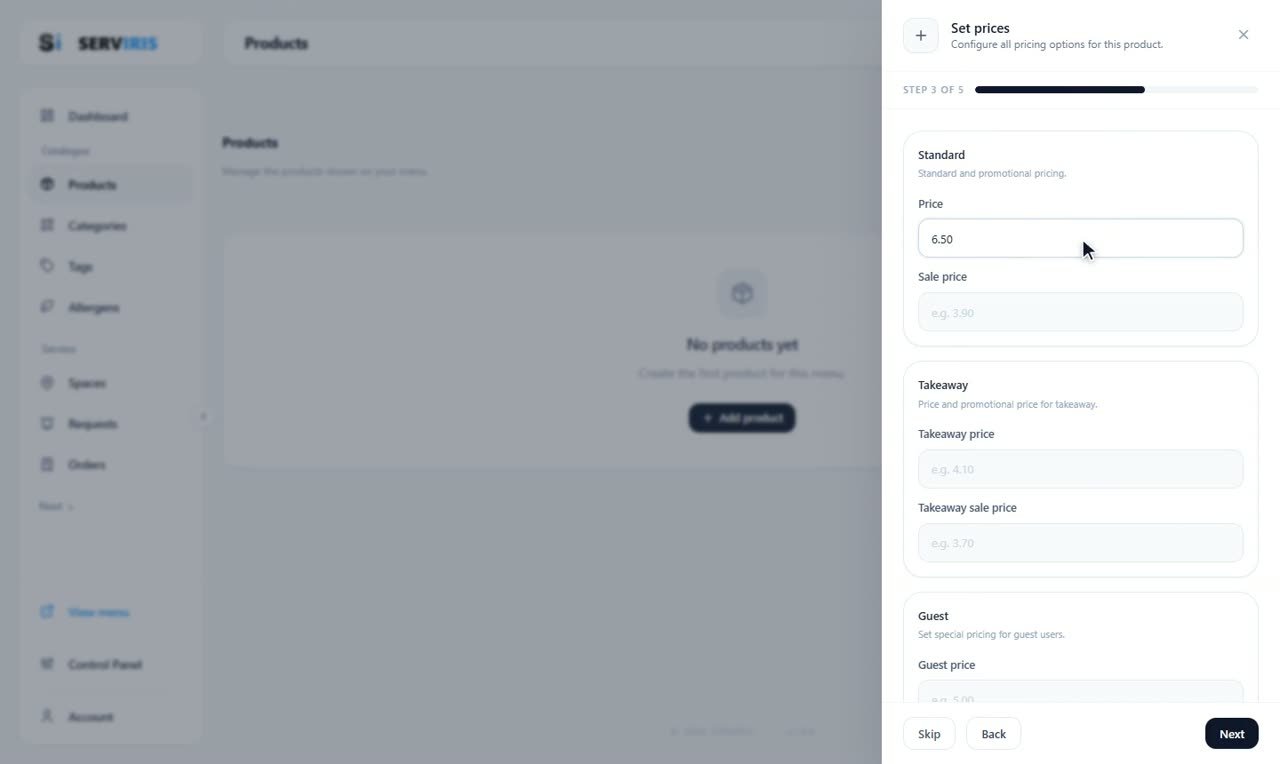 Catalogue
4:51
Products
The bread and butter of the menu: we create products with a name, description, price and photo, and tie them to a category, allergens and tags so the…
Catalogue
4:51
Products
The bread and butter of the menu: we create products with a name, description, price and photo, and tie them to a category, allergens and tags so the…
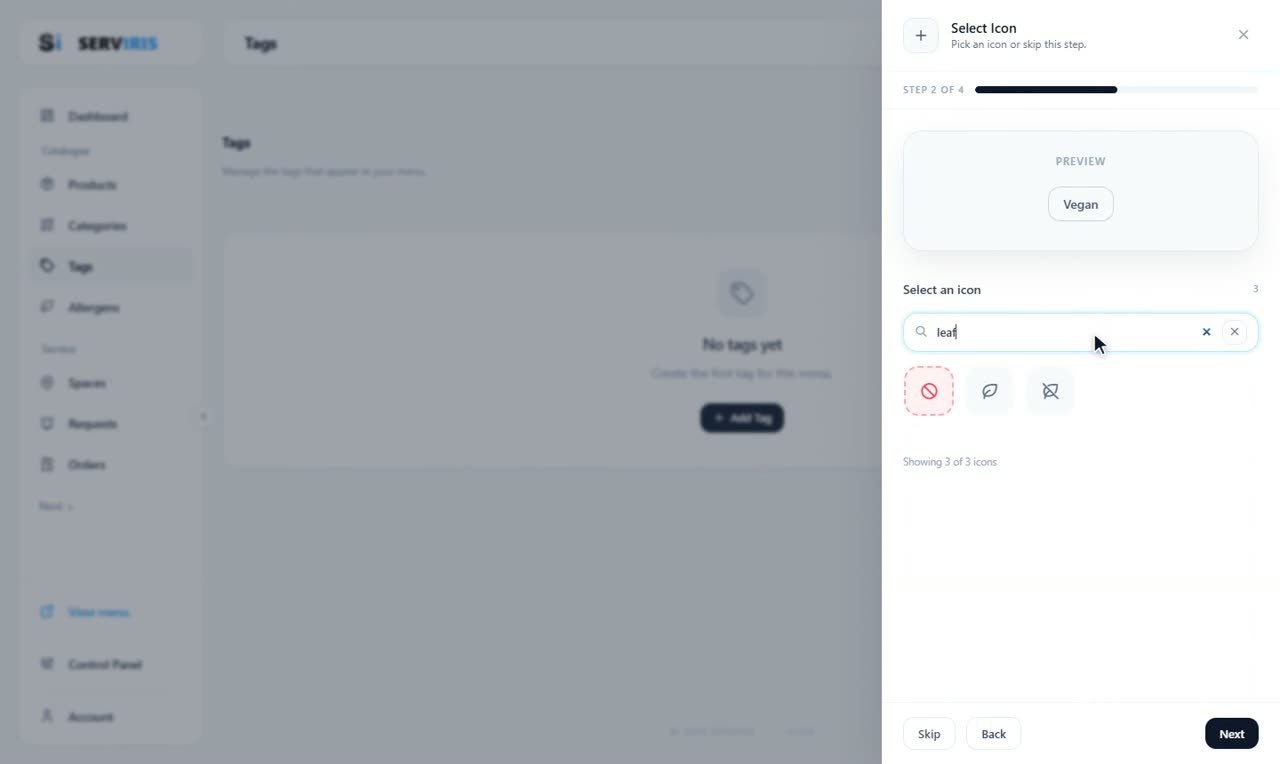 Catalogue
2:57
Tags
Tags are the badges on your products — “New”, “Spicy”, “Vegan”. We build six classics, each with its own icon and colours, so they stand out at a…
Catalogue
2:57
Tags
Tags are the badges on your products — “New”, “Spicy”, “Vegan”. We build six classics, each with its own icon and colours, so they stand out at a…
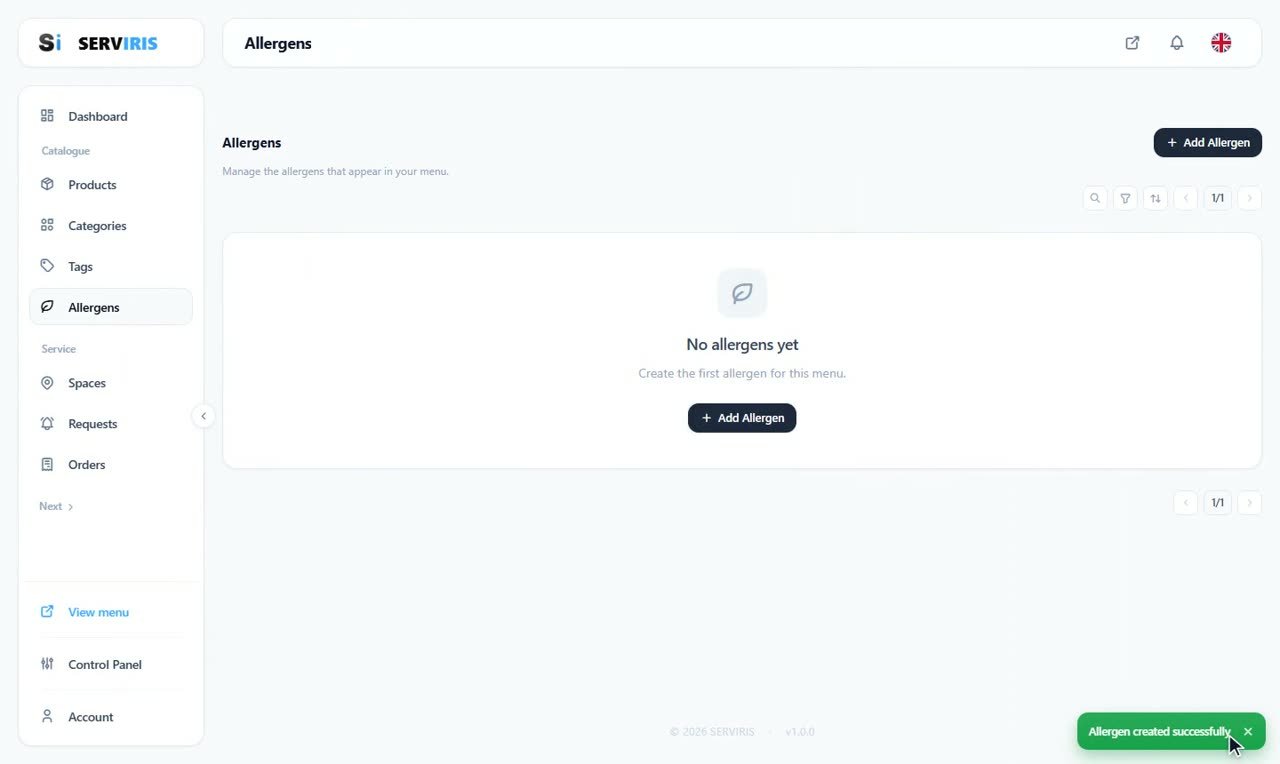 Catalogue
2:31
Allergens
The information that is not allowed to be missing: we declare the common allergens with clear icons, so every product warns correctly and your menu…
Catalogue
2:31
Allergens
The information that is not allowed to be missing: we declare the common allergens with clear icons, so every product warns correctly and your menu…
 Service
3:01
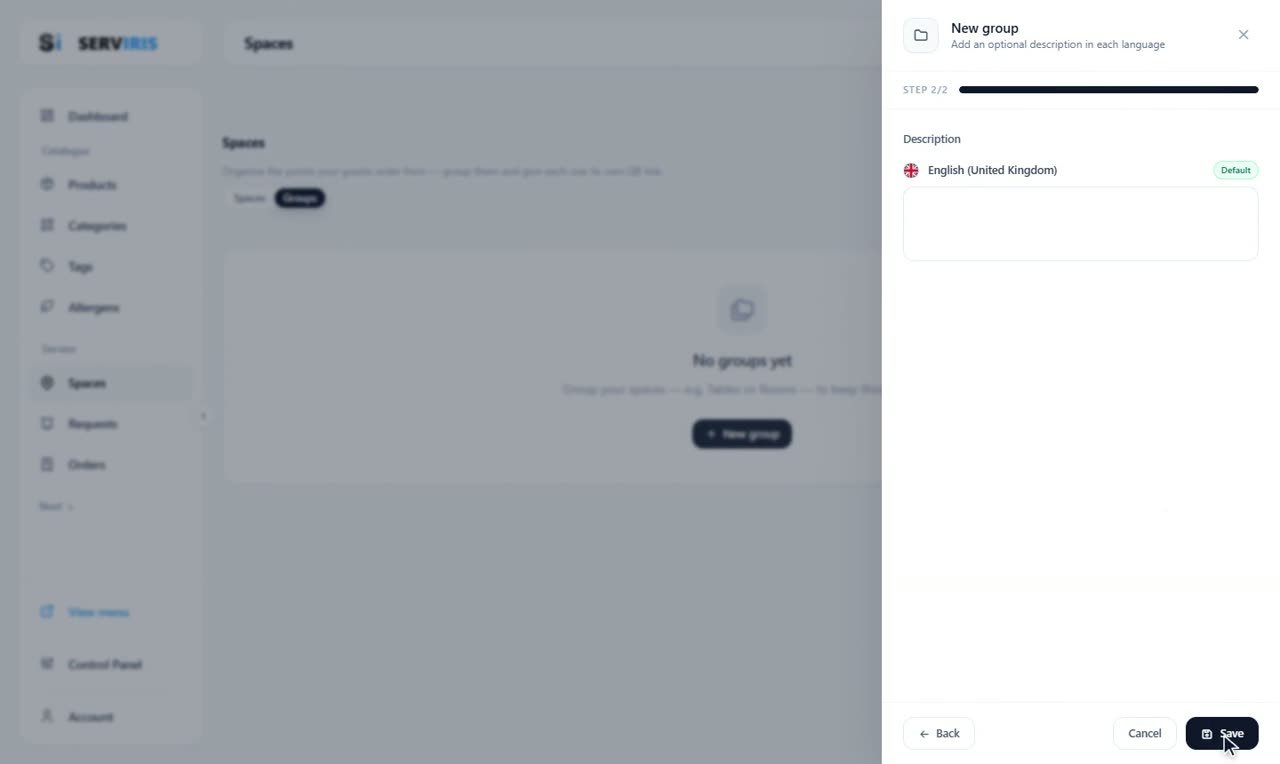
Spaces and their QR codes
Every table, terrace or room becomes a “space” with its own QR. The guest scans; the venue knows where the order came from. We build groups and…
Service
3:01
Spaces and their QR codes
Every table, terrace or room becomes a “space” with its own QR. The guest scans; the venue knows where the order came from. We build groups and…
 Service
3:13
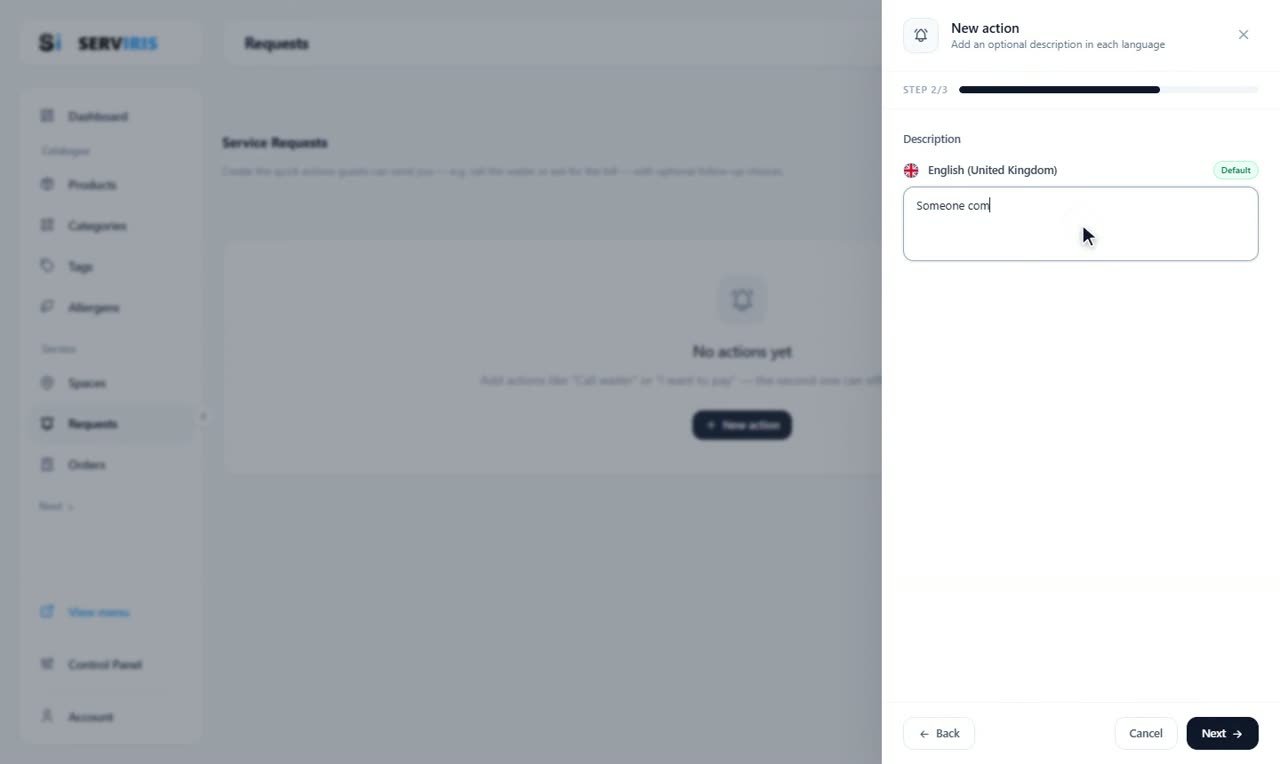
Table requests
The guest taps a button on the menu and the venue knows what they need: the waiter, water, the bill. We build the five classics, give “The bill” its…
Service
3:13
Table requests
The guest taps a button on the menu and the venue knows what they need: the waiter, water, the bill. We build the five classics, give “The bill” its…
 Service
5:58
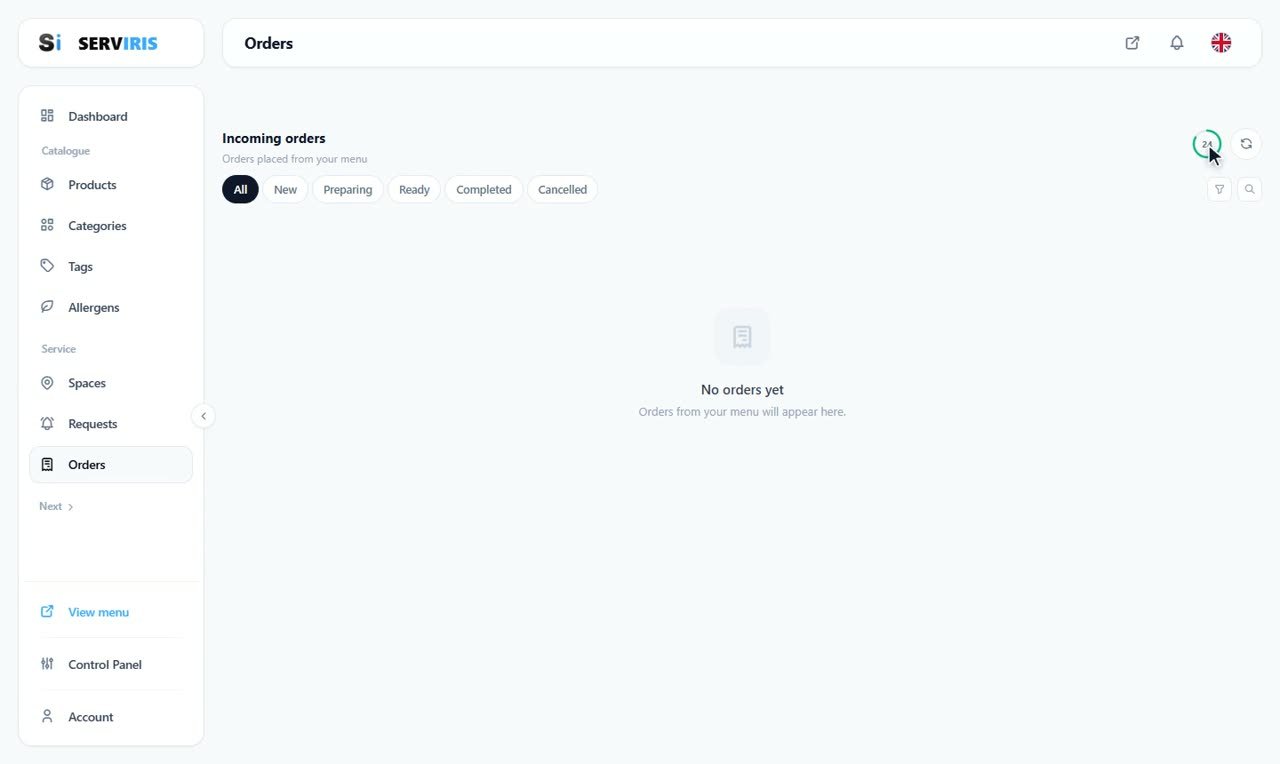
Orders: one shift, end to end
The heart of service, told as one shift: the empty page and its tools, the guest ordering from the table's QR, the road to payment, the order the…
Service
5:58
Orders: one shift, end to end
The heart of service, told as one shift: the empty page and its tools, the guest ordering from the table's QR, the road to payment, the order the…
 People
7:10
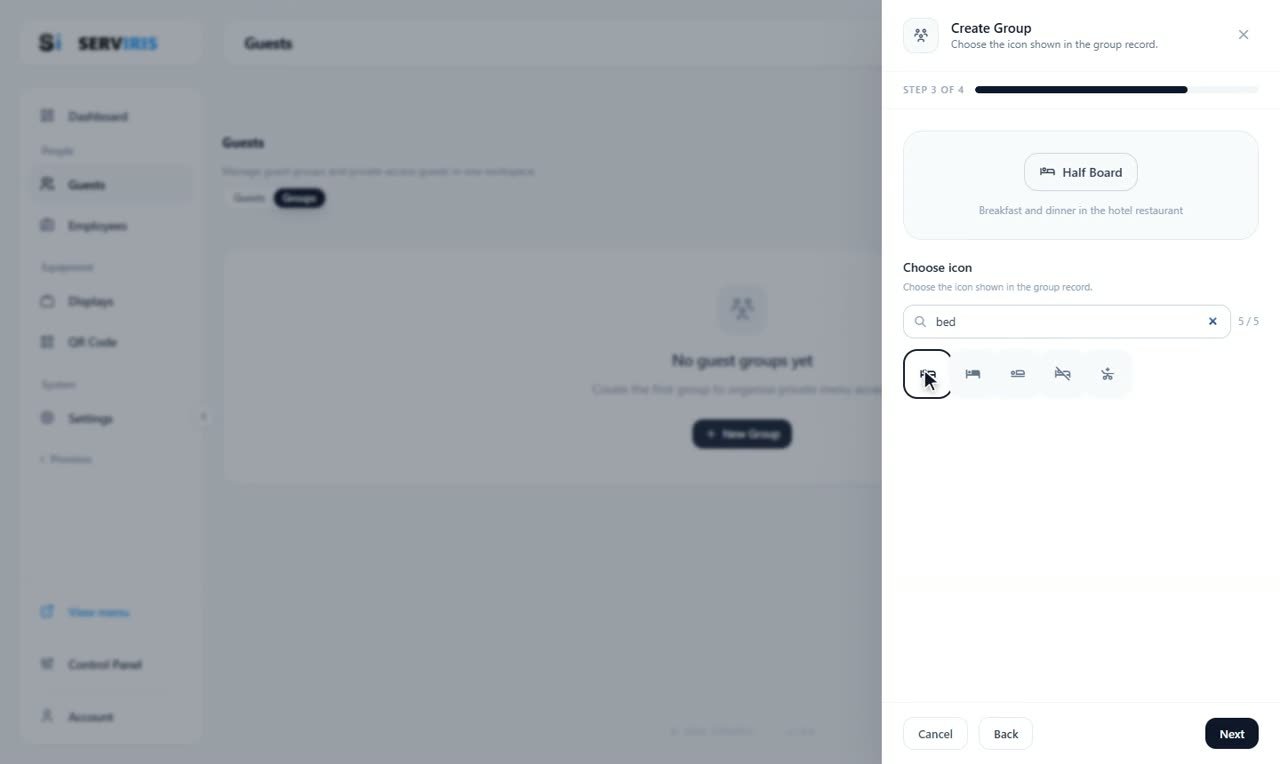
Guests: private access for hotels
For hotels and closed venues: guest groups (Half Board, All Inclusive), accounts with a stay window, and the guest who signs in to the menu with his…
People
7:10
Guests: private access for hotels
For hotels and closed venues: guest groups (Half Board, All Inclusive), accounts with a stay window, and the guest who signs in to the menu with his…
 People
3:14
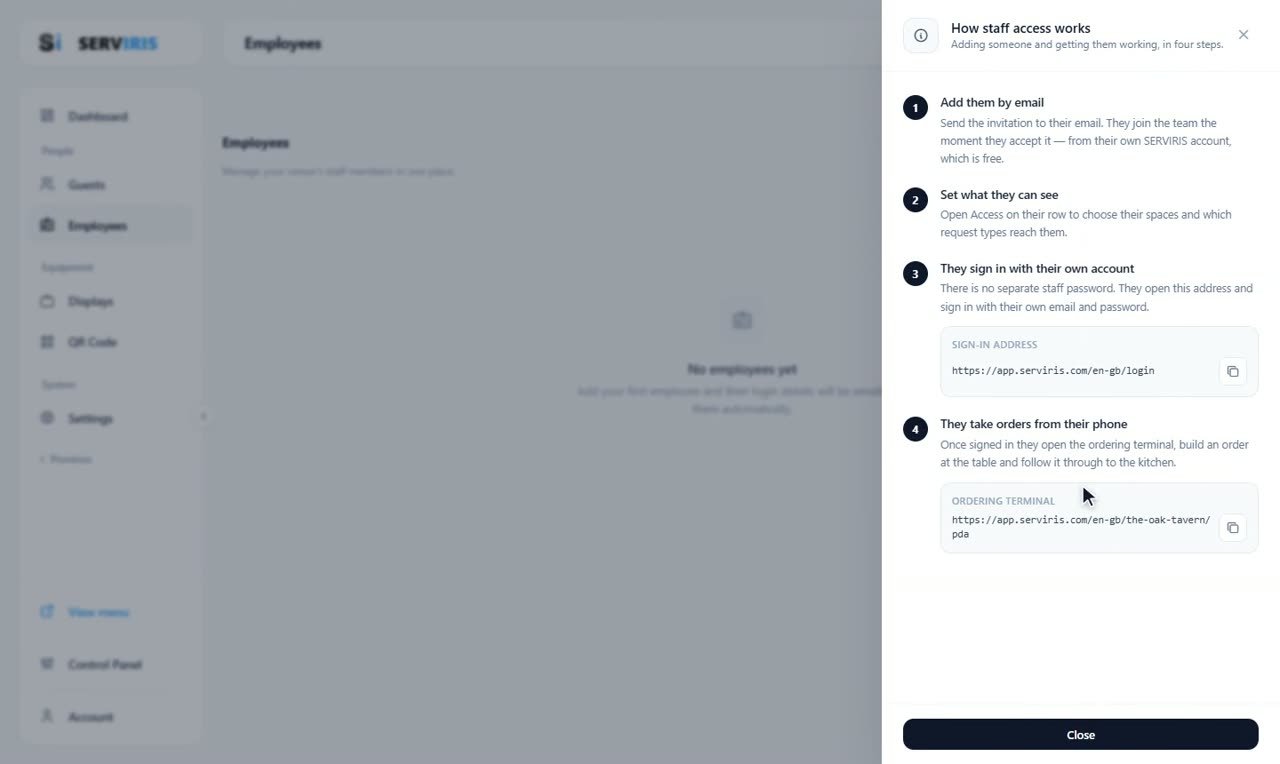
Employees: invitation and access
Staff do not get a “venue password” — they are invited by e-mail and sign in with their own free account. We send the invitation, accept it from the…
People
3:14
Employees: invitation and access
Staff do not get a “venue password” — they are invited by e-mail and sign in with their own free account. We send the invitation, accept it from the…
 Equipment
5:00
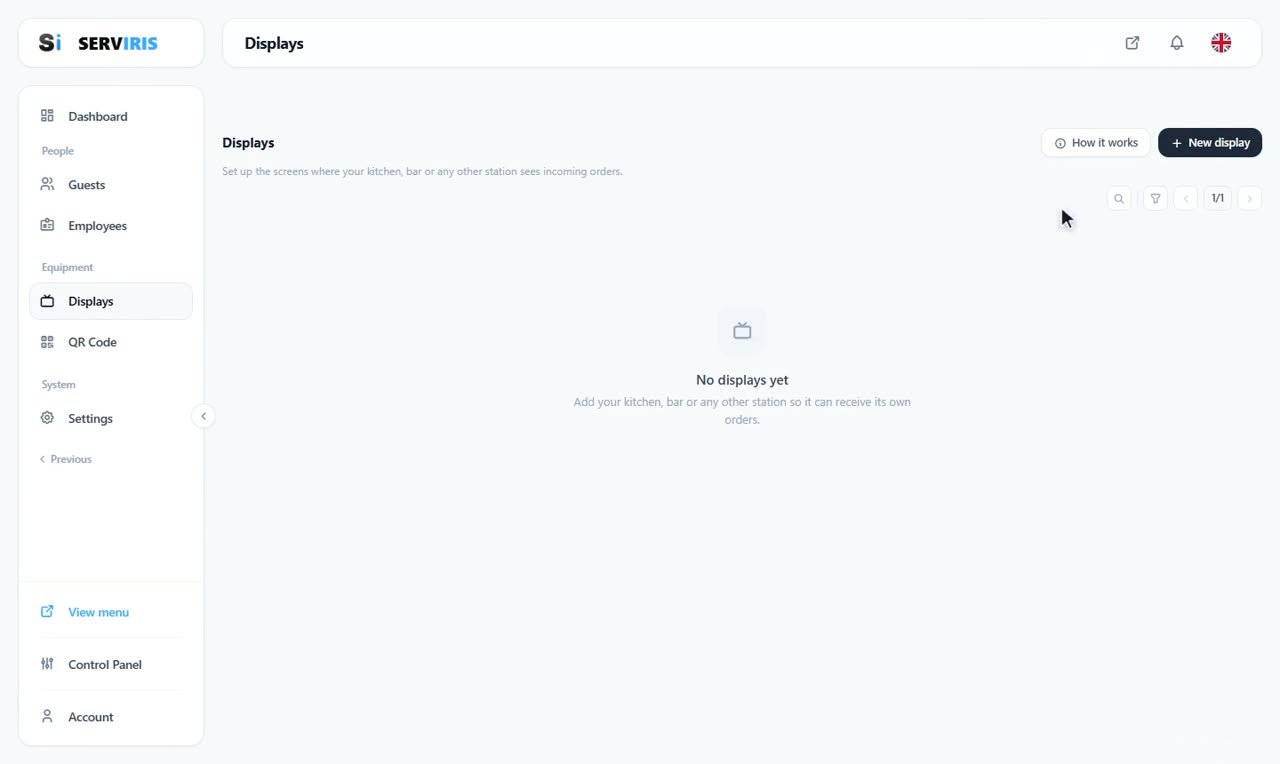
Kitchen and bar displays
One order, two stations: the kitchen sees the dish, the bar sees the drink. We create the two displays with their own sign-ins, share the products…
Equipment
5:00
Kitchen and bar displays
One order, two stations: the kitchen sees the dish, the bar sees the drink. We create the two displays with their own sign-ins, share the products…
 Equipment
3:29
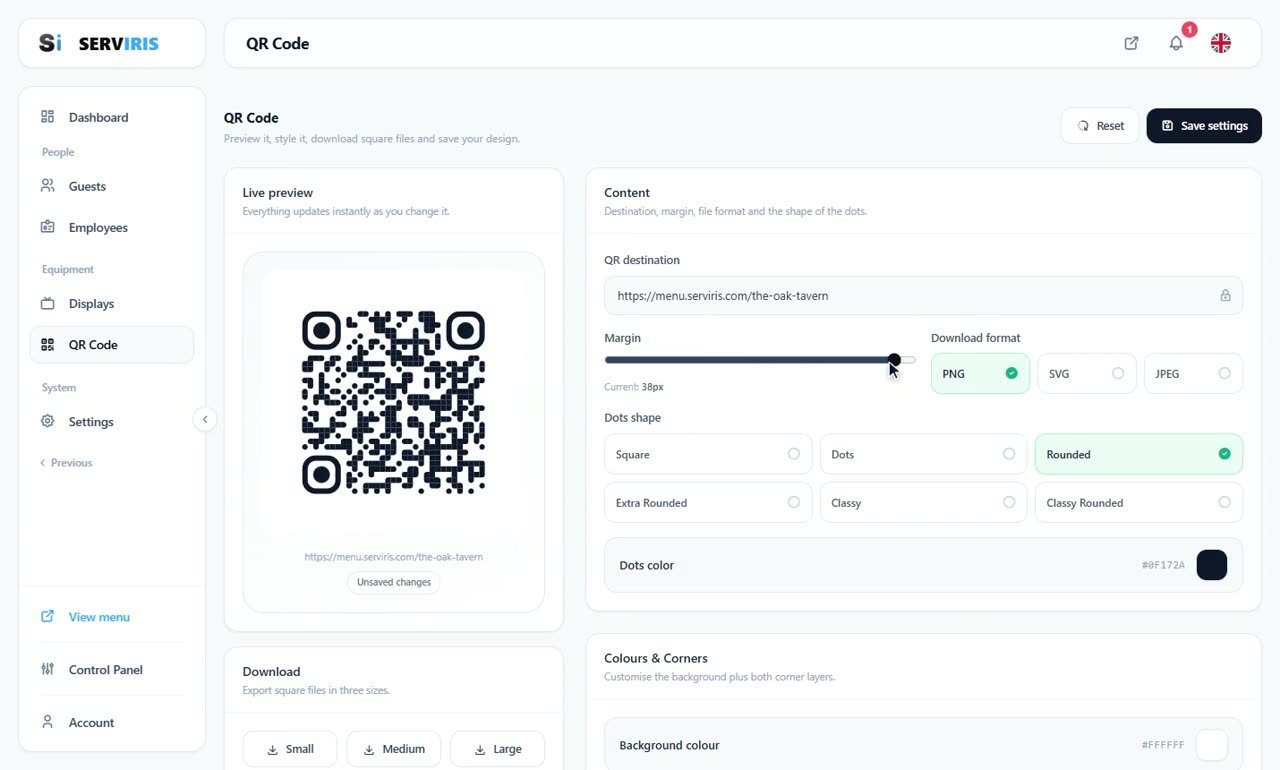
A QR code with your identity
The menu's QR does not have to be black and white: shapes, colours, corners and a frame in your style, a live preview on every change, downloads in…
Equipment
3:29
A QR code with your identity
The menu's QR does not have to be black and white: shapes, colours, corners and a frame in your style, a live preview on every change, downloads in…
 System
6:43
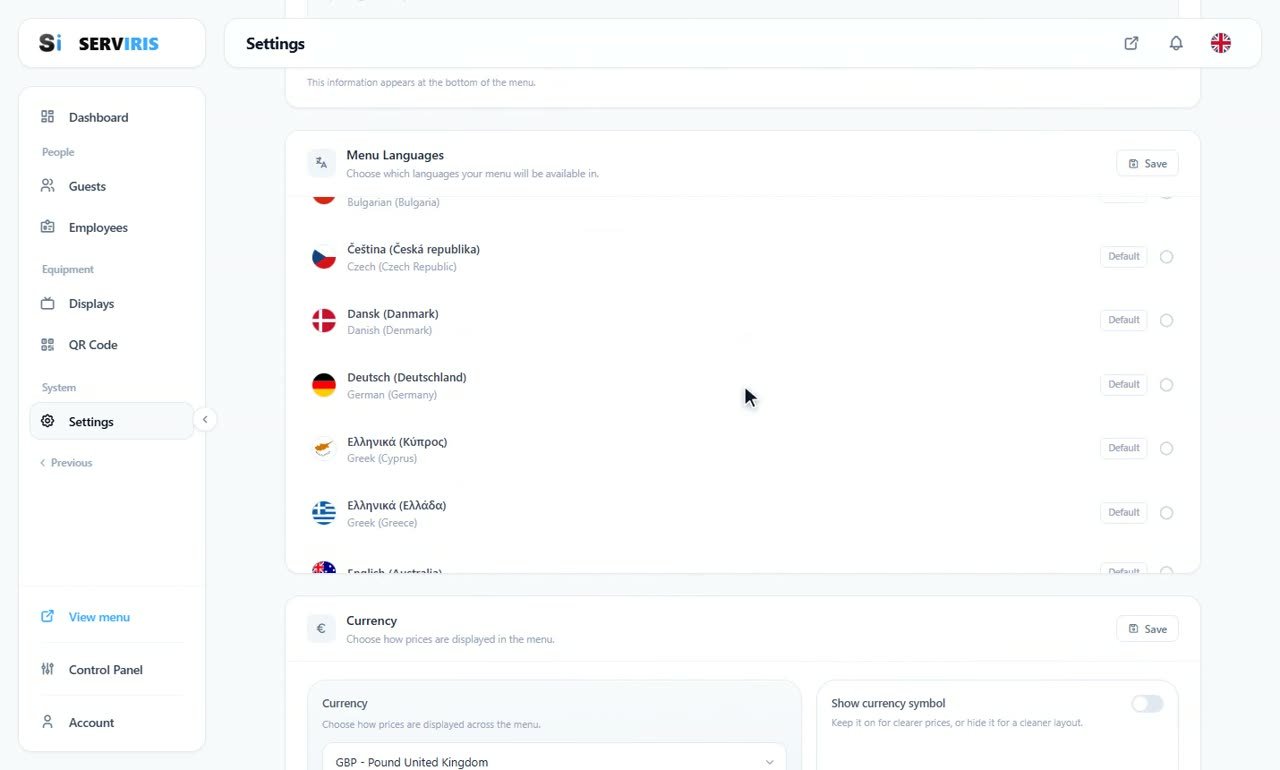
Settings: everything in one lesson
The grand tour: business identity and logo, menu languages with their translation badges, the journey across the catalogue to translate what needs…
System
6:43
Settings: everything in one lesson
The grand tour: business identity and logo, menu languages with their translation badges, the journey across the catalogue to translate what needs…
No lesson matches your search.
Account, domain and your first venue — from zero to a working menu.
Products, categories, tags and allergens — everything your guest sees on the menu.
Spaces with their own QR, table requests, and running the orders.
Guests with private access, and your staff with their roles.
Kitchen and bar displays, and the QR code that carries your identity.
The menu's settings: appearance, currency, languages and features.